


Utilization rates are one of the most analyzed metrics in architecture and engineering firms. They touch every part of your business—staffing, project health, revenue, and long-term planning. Yet they’re also one of the most misunderstood. What exactly does it measure? How does it impact your firm’s financial health? And what can you do with that information?
In this blog, we’ll break down what utilization rates mean, why they matter, and how to apply them effectively in your day-to-day operations.
What Is Utilization?
At its core, utilization measures how much of a person’s available work time is spent on billable tasks. It’s one of the cleanest ways to evaluate how well your team is delivering revenue-generating work. But to use it well, you need to understand what goes into the calculation and what doesn’t. It shows how effectively your team’s time is being used in service of client work.
Basic formula:
Utilization Rate = (Billable Hours / Total Available Hours) x 100
For example, if an engineer logs 30 billable hours out of a 40-hour work week, their utilization rate is 75%. This number tells you:
- How much of their time is generating revenue
- Whether they’re overbooked or underused
- How workload is distributed across your team
Why Utilization Rates Matter for Profitability and Firm Health
Understanding utilization isn’t just about tracking numbers, it’s about knowing how those numbers affect your people, projects, and profits. When used well, utilization becomes a lens into your firm’s health, giving you real-time insight into performance, capacity, and future needs.
Utilization is more than a metric, it’s a pulse check on your firm’s operations.
1. Financial Performance
Higher utilization generally means more billable work, which leads to higher revenue. But it’s not just about working more hours—it's about making smart use of your team's available capacity while keeping long-term sustainability in mind. But it also affects:
- Profit margins
- Staffing needs
- Billing efficiency
Firms that don’t monitor utilization closely often miss early signs of revenue slowdowns or overcapacity.
2. Project Staffing
Utilization helps you understand who has bandwidth and who’s overloaded. This can guide not only day-to-day assignments but also how you plan project teams across the lifecycle of a job. This informs your resourcing decisions and prevents burnout and/or bench time.
3. Forecasting and Planning
By tracking trends in utilization, you can anticipate future needs instead of reacting to problems after they occur. It becomes a key tool for better forecasting and stronger firm-wide decision-making. You can:
- Predict hiring needs
- Adjust project schedules
- Spot seasonality patterns
Consistent utilization tracking keeps you ahead of staffing and budget decisions.
Common Utilization Benchmarks
Utilization goals vary by role and firm type, but most firms use benchmarks to set fair expectations. These targets help staff stay focused and give leaders insight into whether time is being used as intended. Here are general benchmarks used across A&E firms:
- Junior Designers/Engineers: 75–85%
- Mid-Level Staff: 70–80%
- Senior Project Managers: 60–70%
- Principals: 40–60%
It’s important to note that higher isn’t always better. A 95% utilization rate can signal overwork and low capacity for mentoring, business development, or internal projects.
Billable vs. Productive Time
Don’t confuse utilization with productivity. Someone can be productive and still have low utilization if they’re spending time on non-billable but necessary tasks.
That’s why it’s important to track more than just billable time. Productive non-billable tasks are a major part of delivering quality work and growing your business. Examples of non-billable productive work:
- Proposal writing
- Internal meetings
- Training or mentoring
These are essential to your firm’s growth but won’t show up as billable hours. To get a full picture of value, track both billable (direct) time and productive non-billable time
How to Track Utilization Effectively
Knowing your firm’s utilization rate is only useful if you’re measuring it correctly. Effective tracking requires structure, consistency, and tools that reflect how your team actually works. Without that foundation, you’re just guessing at performance.
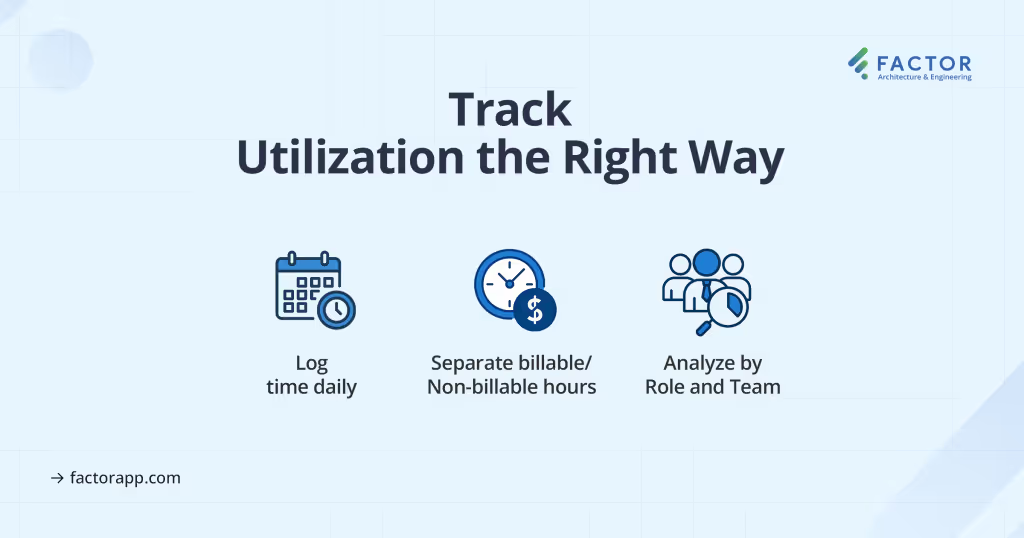
1. Use Accurate Time Tracking
The foundation of reliable utilization data is good time entry. Without accurate and consistent data, even the best reporting tools won’t deliver meaningful insights. If your team isn’t logging hours daily or categorizing time properly, your reports won’t be useful.
Make time entry easy and consistent. Set expectations clearly, and audit entries regularly for quality.
2. Separate Billable, Non-Billable, and Overhead
Breaking down time by type gives you clarity on where every hour goes. It also helps you distinguish productive work from time that doesn’t support project delivery.
When tracking time, categorize it by type:
- Billable: Direct client work
- Non-Billable Productive: Marketing, BD, training
- Overhead: Admin, PTO, unassigned time
This helps you calculate true utilization while also understanding where the rest of the time goes.
3. Analyze by Role and Team
Don’t just look at firm-wide numbers. Different teams and roles have different utilization goals and work types. Drill down to uncover actionable patterns and opportunities. This helps:
- Compare against appropriate benchmarks
- Spot team-level imbalances
- Identify coaching or staffing needs
4. Monitor Trends Over Time
A one-week snapshot isn’t enough. You need to zoom out and identify patterns. Regular review helps you move from reactive staffing to proactive planning. Are certain teams always underbooked? Are utilization spikes tied to specific clients or seasons? Patterns give you insight you can act on.
Signs You Have a Utilization Problem
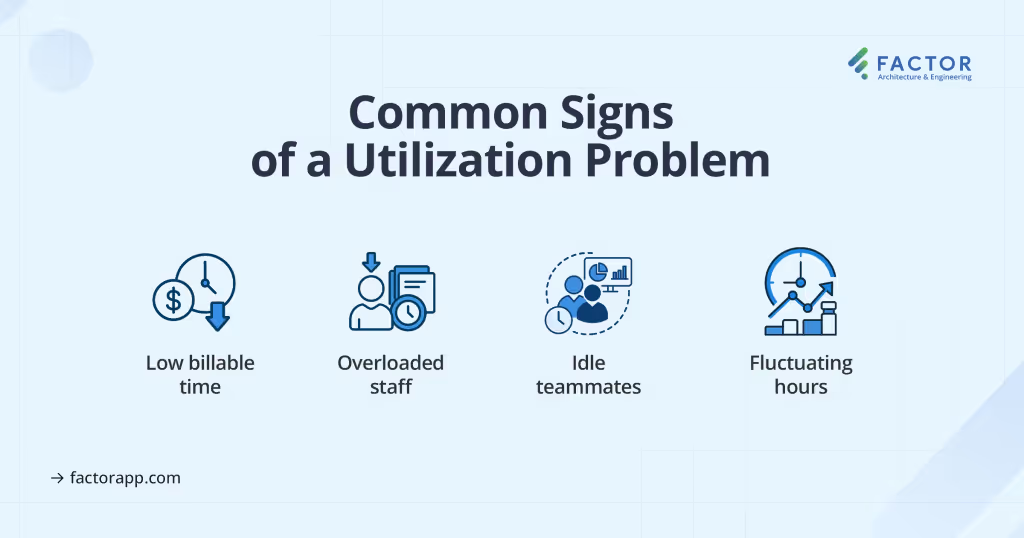
If you’re not actively managing utilization, it’s easy to miss the warning signs. Here are a few to look for:
- Chronic underutilization: Staff often have less than 60% billable time. This may indicate weak backlog, poor project planning, or misaligned assignments.
- Overutilization: Sustained rates above 90% for long periods can lead to burnout and reduced work quality.
- Unbalanced teams: Some staff are overloaded while others are idle. This signals scheduling or visibility issues.
- Unpredictable fluctuations: Large swings week to week suggest a lack of workflow planning or project control.
The earlier you spot these issues, the easier they are to fix.
Using Utilization Data to Improve Operations
Utilization data shouldn’t just sit in a spreadsheet—it should guide your weekly decisions. From assigning work to hiring, this data helps your firm work smarter and avoid preventable issues.
- Improve Scheduling and Assignments
Use real-time data to balance workloads and assign tasks based on availability. Even distribution improves morale and keeps delivery consistent. It keeps teams productive without overloading them. - Align Staffing with Project Needs
Match hiring plans to forecasted utilization. Invest in capacity only when needed. If future demand looks light, pause hiring. If certain teams trend over 85%, consider adding support. - Support Career Development
Utilization should support growth, not feel like pressure. Help staff meet expectations and grow with:- Projects that match their skills
- Clear expectations
- Progress tracking
- Refine Pricing and Profitability
Some projects lead to stronger utilization. Know where your best opportunities are and shape your pipeline accordingly. Use the data to:- Price work appropriately
- Target profitable projects
- Adjust scopes to match real effort
How Factor Helps You Track and Act on Utilization
Factor is designed specifically for architecture and engineering firms. It helps you measure utilization without the manual work or disconnected systems.
With Factor, you can:
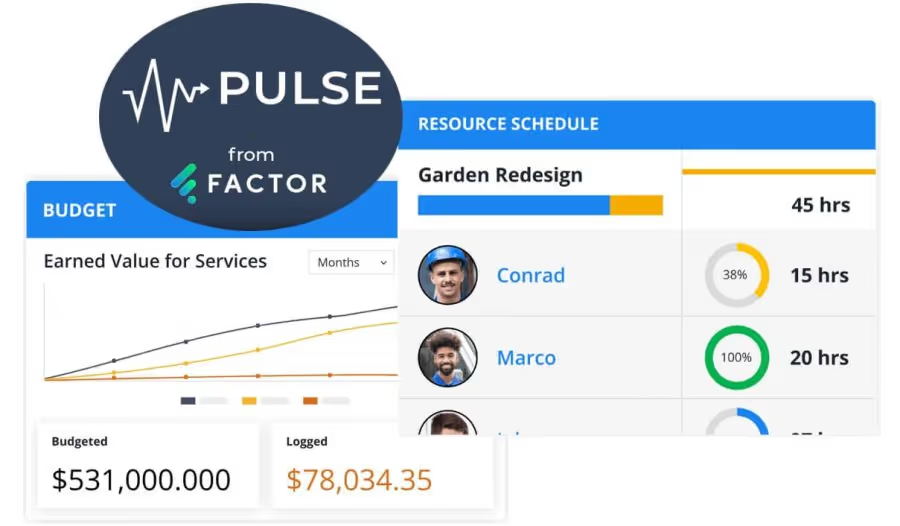
✔ View real-time utilization by person, team, or role
✔ Drill into scheduled vs. logged hours
✔ See how utilization ties to project budgets
✔ Balance workloads using the resource schedule
✔ Easily communicate information to employees and make adjustments when needed
Instead of jumping between spreadsheets or guessing based on outdated reports, you get one place to see where your firm stands and what needs attention.
Conclusion
Understanding utilization is critical to managing your team, your projects, and your profitability. But tracking it manually is time-consuming and rarely accurate.
Factor gives you the visibility, automation, and flexibility to make smarter decisions every week. Whether you’re adjusting staffing, reviewing performance, or forecasting future needs, you’ll have the data you need.
Start with a free 30-day trial or book a demo to see how Factor can help your firm measure what matters and use it to grow. Visit factorapp.com to get started today.

Recommended articles

See Factor in action
In one quick call, we’ll show you a simpler way to run projects and get paid faster.
.png)
“I recommend Factor to other firms. The team is great, it’s easy to use, and it has streamlined my project management. It can do the same for yours.”
Adam Mayberry
Architect / Managing Principal


