

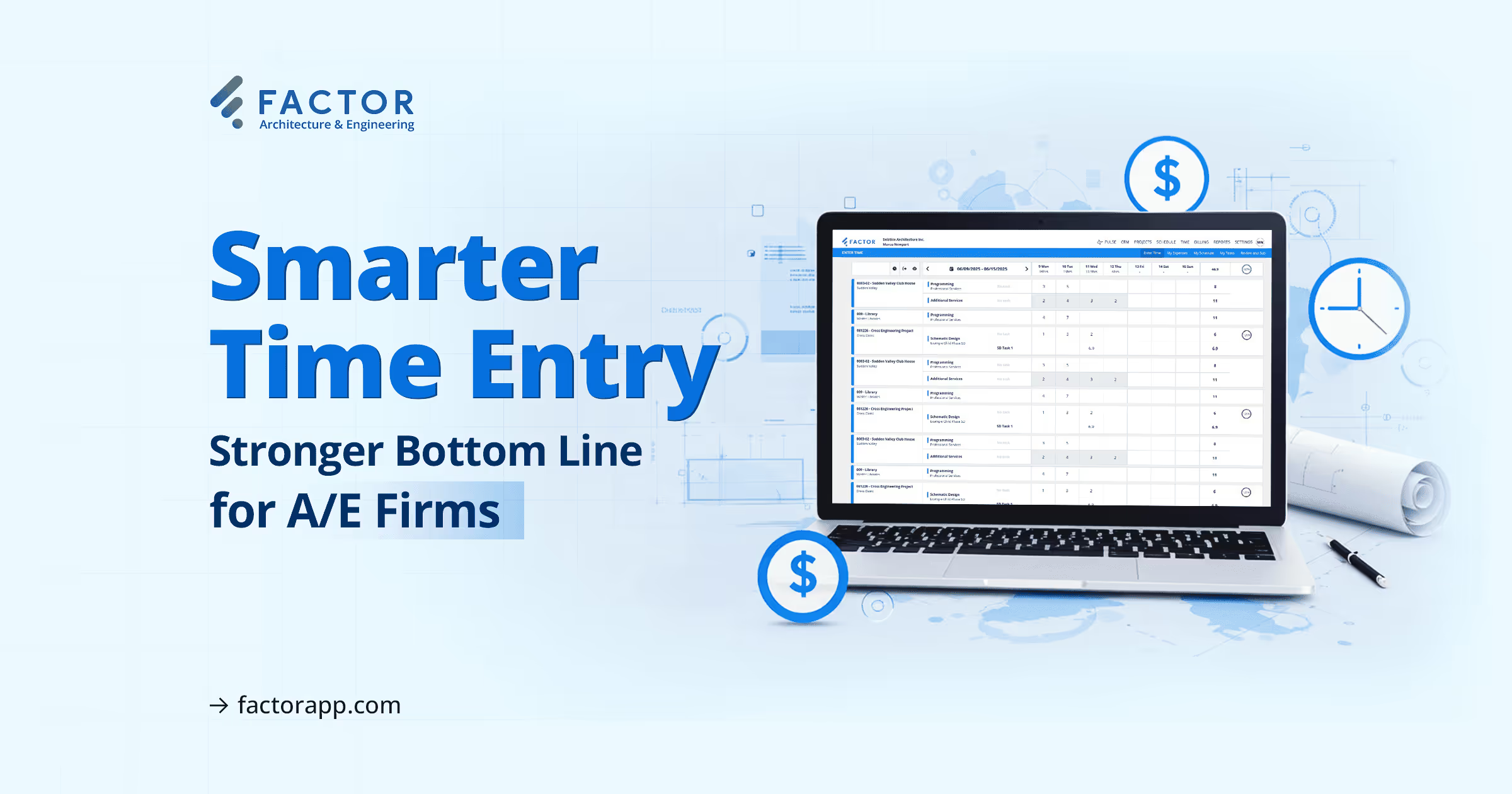

Time tracking is one of the most-used features in any A/E firm because it affects nearly every part of the business. From billing and reporting to project planning, it plays a central role in daily operations. When it's slow or confusing, it wastes time across your team. When it's easy to use, it improves accuracy and saves hours every week.
That's why Factor rebuilt our time entry experience from the ground up. The new Factor time tracking interface is faster, easier, and built around how your teams actually work.
Let's explore what’s changed and how it helps your firm stay focused, accurate, and efficient. Every improvement is based on feedback from real users like you.
A Clean, Grid-Based Layout
Time entry now happens in a clean weekly grid that shows your entire workweek in one place. This structure helps your team plan ahead and log time more accurately. It also removes the need to jump from day to day when entering hours.
You can:
- Log time for the full week in one view
- Copy last week’s time entries forward
- Copy just the projects from last week forward
- Drag and drop rows or remove them completely
This makes daily time entry optional. Enter your time all at once, whatever fits your routine.
Smarter Timer Options
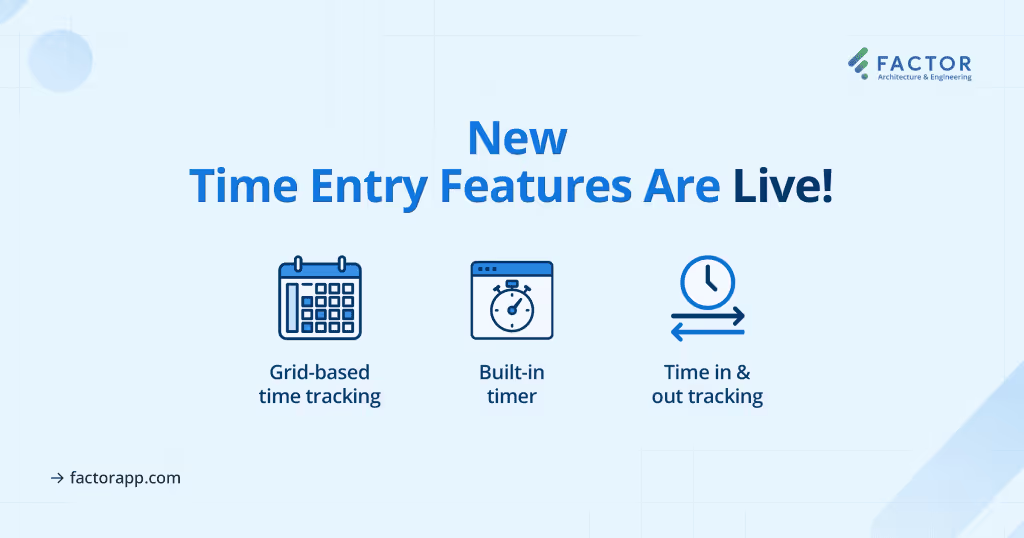
Everyone works differently, and Factor's timers adapt to that. Whether you're tracking hours as they happen or logging them later, the system supports both. This flexibility helps your team capture time more consistently and avoid errors.
Start and stop timers as you work. You can even:
- Run multiple timers throughout the day
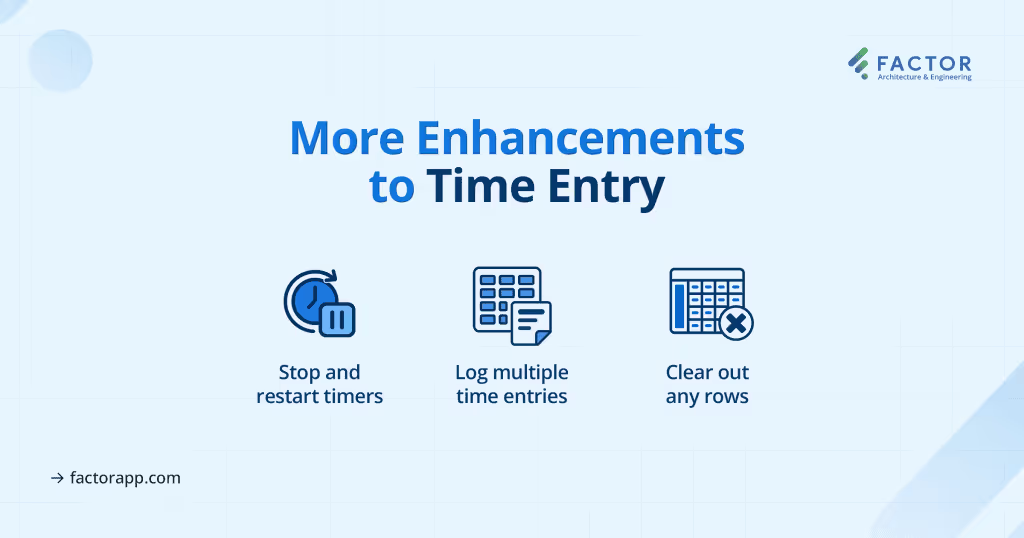
- Pause and restart a timer if you get interrupted
- Avoid retyping project and phase details
You stay focused on your work. Factor keeps up.
Control and Accuracy Built In
Accurate time data depends on ease and accuracy. By letting project managers set which phases are open, Factor prevents time from being logged in the wrong place. That improves accuracy and cuts down on cleanup work later.
Factor also:
- Shows only active project phases in the time entry area
- Highlights unbilled expenses and time entries
- Makes it easy to review what’s missing before you submit
Mistakes go down. Admin time drops. Billing stays accurate.
Fast Review and Approval
Project managers and administrators need a way to review and approve time without slowing down. Factor's streamlined approval process keeps everything moving. It lets you scan, fix, and approve time in just a few clicks.
From the Review Time page, you can:
- Edit or move multiple entries at once
- Shift time entries between phases
- Quickly resolve any errors before approval
Built-In Shortcuts
Saving time on routine tasks matters. Factor includes shortcuts that speed up the process for every user. These simple tools help reduce the time it takes to complete a timesheet and keep daily entry from becoming a chore.
Recent improvements have made this even better:
- Projects with hour allocations from the resource schedule will automatically populate on each employee’s timesheet with an indicator that shows how many hours they have been scheduled
- You can now clear out rows you don’t need
- You can easily log multiple entries for the same project or phase on the same day
- You can copy a full week of time entries forward
Each person sees their own view, based on assignments. No clutter, no confusion.
Designed for A/E Firms
Time tracking in an A/E firm is not just about hours. It’s about connecting those hours to budgets, scope, timeline, billing, and project performance. That’s why Factor integrates time entry directly with your core project data.
Factor connects time entry directly to:
- Project phases and timelines
- Resource scheduling
- Billing and invoicing
Everything stays synced, so you don’t need to jump between systems or fix things later.
Built From Your Feedback
Every update to Factor’s time tracking came from what we heard from real users. We paid attention to what worked, what didn’t, and what would save time every week. The result is a tool that’s shaped by how your teams actually work.
Now:
- It’s easier to track time your way
- Your entries align with your schedule
- And your projects stay on budget
Try It for Yourself
If you haven’t switched to the new time tracking view yet, it’s easy to get started. Just head to Settings → Your Firm → Preferences and enable the updated grid view. This change gives your team access to a faster, more accurate way to log time, no extra training needed.
Factor’s updated time tracking is designed specifically for architecture and engineering teams. It aligns with how your team actually works, making it easier to stay on schedule and within budget.
Want a closer look or need help setting it up? Reach out to a product specialist at factorapp.com.

Recommended articles

See Factor in action
In one quick call, we’ll show you a simpler way to run projects and get paid faster.
.png)
“I recommend Factor to other firms. The team is great, it’s easy to use, and it has streamlined my project management. It can do the same for yours.”
Adam Mayberry
Architect / Managing Principal