


Architecture and engineering firms depend on structure. You’ve got tools for budgets, timelines, time tracking, and invoicing. But beyond the setup and monthly reports, your weekly rhythm drives how your projects actually stay on track.
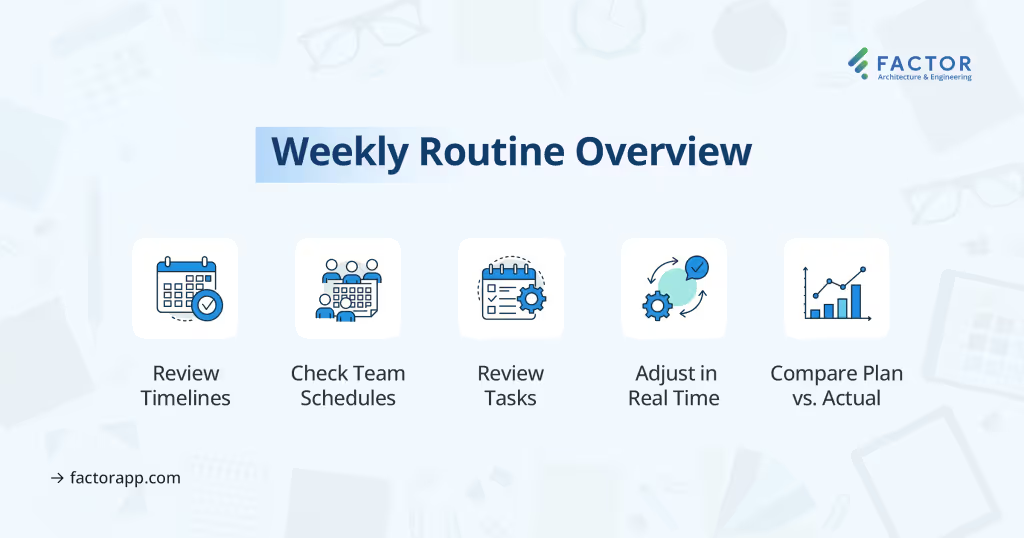
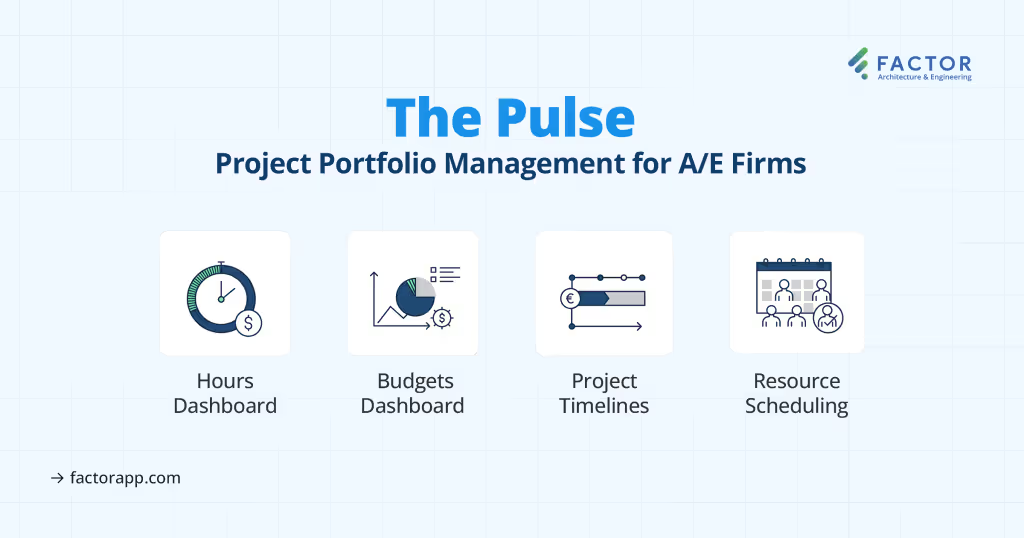
This is where a clear, repeatable weekly routine matters. Here’s a checklist successful A/E firms follow every Monday using the Pulse area inside Factor.
Start Your Week With Clarity
The best way to start your week is by reviewing where every project stands. This gives you and your team a shared understanding of priorities and helps you address risks before they escalate. A quick glance at the timeline can tell you which projects are on track and which ones need a closer look.
1. Review Project Timelines
Check current and upcoming phases:
- See milestone deadlines
- Compare budget spent to work completed
- Spot delays or budget mismatches early
Example: If a project is 75% through its timeline but only 40% complete, you need to adjust.
Check Your Team’s Schedule
Once you know where your projects stand, it’s time to look at your people. Reviewing schedules ensures that team members aren’t overbooked or underutilized. This step helps you shift resources where they’re needed most and avoid project bottlenecks.
2.Review Assignments by Project
- Who’s assigned to each task?
- Do scheduled hours align with remaining budgets?
- Are there any overbooked or underbooked team members?
3.Switch to Team View
Seeing the big picture of team availability helps you make better staffing decisions. Whether you’re managing one team or ten, this view gives you immediate insight into where to shift effort.
- See total capacity and utilization
- Balance workloads across the firm
Quick Fix: Reassign hours to avoid burnout or idle time.
Prevent Missed Tasks
Tasks that slip through the cracks can delay entire phases. That’s why it’s important to scan for anything upcoming or overdue. This step keeps your teams focused and ensures that nothing important gets missed or forgotten.
4.Check Upcoming and Overdue Tasks
- Filter by person, project, or due date
- Catch anything at risk of slipping through
- Reassign or adjust deadlines as needed
No separate updates or duplicate entries.
Make Adjustments in Real Time
As the team discusses challenges or shifting priorities, don’t just take notes—act on them. Making changes in real time during the meeting helps prevent follow-up confusion and keeps everything current.
Meetings reveal what needs to change:
- Tasks falling behind
- Budget issues
- Shifting priorities
Adjust directly in your project tracking tool:
- Update schedules
- Reallocate hours
- Shift team members
Everything stays synced—from plans to timesheets to invoices.
Track Progress Against Plan
End your review by checking how closely your teams are following the original plan. Comparing planned hours and budget with what’s actually been logged reveals whether things are pacing as expected or falling behind.
5.Review Budget and Hours Dashboard
Quickly compare:
- Planned vs. scheduled vs. actual hours
- Budget vs. billed vs. logged
- Services vs. subconsultants
Spot gaps, overruns, or invoice delays early.
Example: Logged time is on track, but invoices are lagging? Now you know where to act.
Why This Routine Works
Repeating this structure every Monday builds consistency. Your project managers walk in prepared, meetings stay short, and decisions happen quickly. Over time, this rhythm cuts down on surprises and keeps your teams focused on what matters most.
When everyone uses the same routine, it’s easier to spot patterns, course correct, and keep projects within scope and budget.
How This Routine Comes Together in Factor
Factor was built specifically for architecture and engineering firms. It handles your full project lifecycle—budgeting, scheduling, time tracking, invoicing—and makes this weekly routine easier to manage.
The Pulse tools inside Factor give you:
- A centralized timeline view
- Project and team-level resource schedules
- A full task list with filters
- Real-time updates that connect to timesheets and billing
- Visual dashboards to track budget and hours
Every adjustment carries through automatically. No extra steps. No lost data.
Conclusion
Weekly project reviews don’t have to be time-consuming or unclear. With the right routine, your firm can make faster decisions, prevent delays, and manage resources more effectively.
Try following this structure next Monday. Then, when you're ready to simplify the process further, take a look at how Factor supports every step. Visit factorapp.com/demo to start your free 30 day trial or book a demo.

Recommended articles



See Factor in action
In one quick call, we’ll show you a simpler way to run projects and get paid faster.
.png)
“I recommend Factor to other firms. The team is great, it’s easy to use, and it has streamlined my project management. It can do the same for yours.”
Adam Mayberry
Architect / Managing Principal